AppClose vs CoParentSplit: Honest Feature Comparison (2026)
AppClose is free and does everything. CoParentSplit costs $6.99/mo and does one thing well. A single dad compares both for splitting child expenses in 2026.

My ex sent me a photo of a $180 receipt for our daughter's glasses last month. No message attached. Just the photo. If you've co-parented for more than a week, you know exactly what that photo means and exactly how it makes your stomach drop. This comparison is for anyone deciding whether AppClose or CoParentSplit is the tool that finally kills that feeling.
I've used both. I'm a single dad of three in Montreal, and I built CoParentSplit, so read this knowing I'm biased. But I'm going to be straight with you about where AppClose beats us, because it does in a few real ways.
What's the actual difference between AppClose and CoParentSplit?
AppClose is a free, all-in-one co-parenting app: messaging, a shared calendar, expense tracking, reimbursement requests, and document storage. CoParentSplit is a focused expense tracker that does one job: log what each parent spent on the kids and calculate who owes whom. AppClose is wider. CoParentSplit is narrower and, for money, faster.
That's the whole thing in two sentences. Everything below is detail.
AppClose has been around since 2015 and pitches itself as a full replacement for OurFamilyWizard, minus the price tag. It's genuinely free. They make money when you move money through AppClosePay, their built-in payment feature, and through optional add-ons. So if you want messaging, a custody calendar, and expense logs in one place without paying a subscription, AppClose is a legitimately good answer.
CoParentSplit came from a different frustration. I didn't want another inbox. I already had WhatsApp. What I wanted was to stop turning every $40 haircut into a negotiation. So the app does expenses and the math behind them, and nothing else. No chat feature to check. No calendar to sync.

Is AppClose really free, and what's the catch?
Yes, AppClose is free to download and use as of July 2026, and there's no trial that flips into a subscription. The catch is small: they charge a processing fee if you send money through AppClosePay, the same way any payment app does. You can ignore that feature entirely and pay each other by e-transfer, and the app stays free.
For a lot of co-parents, that's the end of the decision. Free is free. If your money situation is simple and you both actually open the app, AppClose costs you nothing and does more than a spreadsheet ever could.
CoParentSplit isn't free past a point. The free tier gives you 10 expenses a month, 1 child, and 30-day history, which is enough to test it. After that it's $6.99/month or $59.99/year, and that one price covers both parents — not per person. Compare that to OurFamilyWizard's roughly $300 a year, charged to each parent, and you can see the gap in the market both apps are aiming at.
So on price, AppClose wins. I'm not going to pretend otherwise. The question is whether "free and does everything" beats "cheap and does one thing" for your specific mess.
Feature comparison: AppClose vs CoParentSplit
Here's the honest side-by-side, based on both apps as of mid-2026.
| Feature | AppClose | CoParentSplit |
|---|---|---|
| Price | Free (fees on payments) | $6.99/mo or $59.99/yr, both parents |
| Expense tracking | Yes | Yes, core focus |
| Auto-split calculation | Yes | Yes, plus custom % splits |
| Reimbursement requests | Yes (AppClosePay) | Yes, running balance |
| Messaging | Yes, full chat | No, by design |
| Shared calendar | Yes | No |
| Document storage | Yes | Receipts on expenses |
| Works if co-parent won't engage | Harder | Yes |
| Free calculator, no signup | No | Yes |
| Learning curve | Moderate | Low |
The pattern is clear. AppClose gives you more features. CoParentSplit gives you fewer features but less friction on the one that causes fights.
Where AppClose is genuinely better
If your conflict is really a communication problem, AppClose's tone-neutral messaging and timestamped history are useful, especially if a judge might ever read it. Its calendar handles custody schedules, which we don't touch at all. And if you want one login for everything, AppClose delivers that.
Where CoParentSplit is genuinely better
Speed and focus. You log an expense in about ten seconds, tag it, and the running balance updates for both people. No feature hunting. And it works when your co-parent is barely cooperating, which for a lot of us is the actual situation, not the polite hypothetical.
Which app handles a co-parent who won't cooperate?
This is where the two apps split hard. AppClose assumes both parents participate: you message, they confirm, you both check the calendar. CoParentSplit assumes your co-parent might do almost nothing, so it keeps working from one side. You log, it calculates, the record exists whether or not they engage.
Let me tell you why this matters to me. When my son got hurt at judo, my ex told me she was done paying for any activities. Not just judo. All of them. Swimming, the private Saturday school, everything. Her exact line was "I'm not going to pay for your impulsive purchases." Judo was $130 a month. The private school was $260 split two ways before we gave up on it and switched him to a tutor because I couldn't carry it alone.
For a stretch there, every single thing I bought the kids came with a demand for a receipt and a request to "approve it with me first." A toy for my youngest. Winter clothes. I got to the point where it was easier to just pay for things myself and say nothing, because the argument cost more than the item.
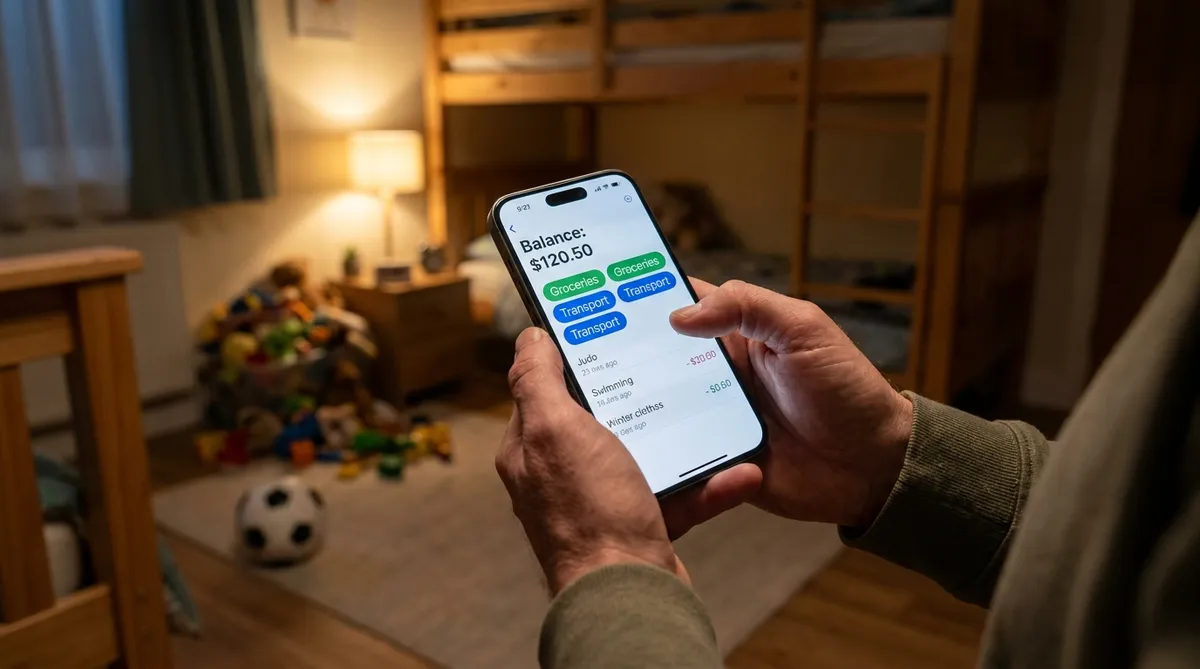
Here's the part that surprised me, and it's the reason I stopped just eating the costs. When I finally logged everything for real, I found out I was paying way more than half. Not a little more. A lot more. I'd been absorbing so many small expenses without recording them that "we split 50/50" had quietly become "I pay 65 and don't mention it." A neutral log fixed that faster than any conversation ever did.
AppClose could have shown me that too, to be fair. Any real tracker beats what I was doing, which was nothing. But I wanted the tracker without a chat feature attached, because the chat was the part that always went sideways.
AppClose vs CoParentSplit for court and documentation
If you need court-ready records, AppClose has the edge over CoParentSplit because its message history is designed to be exported and read by lawyers and judges. CoParentSplit keeps a clean, timestamped expense ledger with receipts, which covers the money side, but it doesn't archive conversations because it doesn't have conversations.
So think about what your case actually needs. If your dispute is about who said what and when, AppClose or a purpose-built tool like OurFamilyWizard gives you the paper trail. If your dispute is strictly about money owed, an expense ledger with receipts is what a mediator wants to see, and that's cleaner in a focused tracker.
Most of my own conflict was never about words in a chat. It was about dollars. That shaped what I built.
Ready to simplify co-parent expenses?
CoParentSplit makes it easy to track, split, and settle shared child expenses — no conflict required.
Start Free NowWhich one should you actually pick?
Pick AppClose if you want a free, do-everything app and you're confident both parents will use it. Pick CoParentSplit if money is the specific fight, you want it settled in seconds, and you need the thing to keep working even when your co-parent goes quiet. One is a Swiss Army knife. The other is a good, sharp knife.
Honestly? Try the free versions of both. AppClose is free outright. CoParentSplit's free tier gives you 10 expenses a month, which is plenty to run a real month and see if the split math ends an argument you'd normally have. There's no lock-in either way, so you're not committing to anything by testing.
What I'd tell any divorced parent, and I mean this regardless of which app you land on: use something, and use it every single time. The tool matters less than the consistency. A shared Google Doc used religiously beats the best app in the world opened twice and forgotten. Log expenses the same day, because in two weeks you won't remember the $40, and that's exactly where the next fight starts.
For me, the after was quieter. Now each of us just knows who owes what. No stewing over a receipt photo in a parking lot. And I can see roughly what a month costs, so I can plan the next one instead of being ambushed by September school supplies. That planning piece did as much for my stress as ending the arguments did.
Frequently Asked Questions
Is AppClose really free? Yes. AppClose is free to download and use for messaging, the shared calendar, and expense tracking. It makes money on optional payment processing when you send money through AppClosePay. No subscription. CoParentSplit costs $6.99/month or $59.99/year, and one plan covers both parents.
What's the difference between AppClose and CoParentSplit? AppClose is a broad co-parenting app: messaging, calendar, expenses, and document storage in one place. CoParentSplit does one job: tracking and splitting shared child expenses. If you only fight about money, CoParentSplit is simpler. If you want everything in one app, AppClose covers more ground.
Do both parents need to install the app? For AppClose, both parents should be on it to message and confirm expenses, though you can log costs solo. CoParentSplit works even if your co-parent barely engages: you log an expense, it calculates who owes what, and a single paid plan covers both accounts automatically.
Which app is better for high-conflict co-parenting? For a documented paper trail and court-ready message history, AppClose or OurFamilyWizard help. For cutting the number of money arguments, a focused expense tracker like CoParentSplit reduces the daily back-and-forth. It depends on whether your conflict is about communication or about money specifically.
Can I switch from AppClose to CoParentSplit? Yes, there's no lock-in on either side. You re-enter your active recurring expenses once. CoParentSplit's free tier gives you 10 expenses a month, 1 child, and 30-day history, so you can test the split math with your co-parent before paying anything.
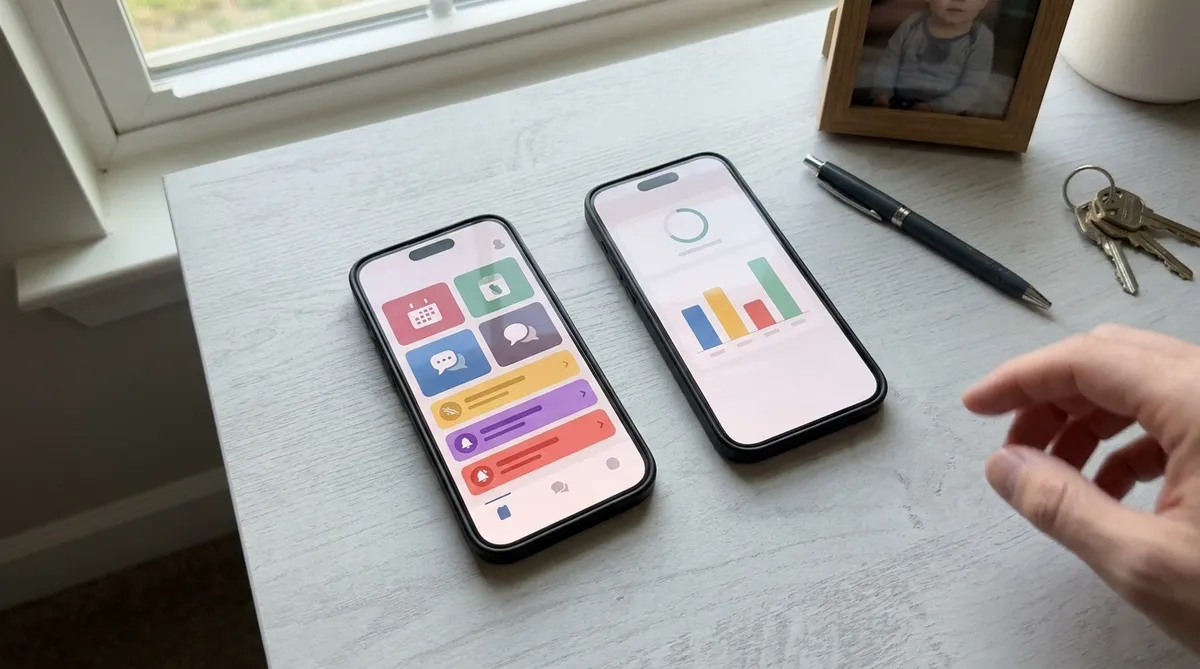
Stop fighting about money. Start tracking it. Try CoParentSplit free for 30 days and see whether one clean number ends an argument you'd otherwise have this week.
Related: OurFamilyWizard Alternatives 2026: Cheaper Options That Actually Work · What To Do When Your Co-Parent Won't Split Expenses
Ready to simplify co-parent expenses?
CoParentSplit makes it easy to track, split, and settle shared child expenses — no conflict required.
Start Free Now
Founder of CoParentSplit
Single dad of 3, product manager, and immigrant in Montreal. Built CoParentSplit after his own divorce because he needed a simpler way to split child expenses with his co-parent.